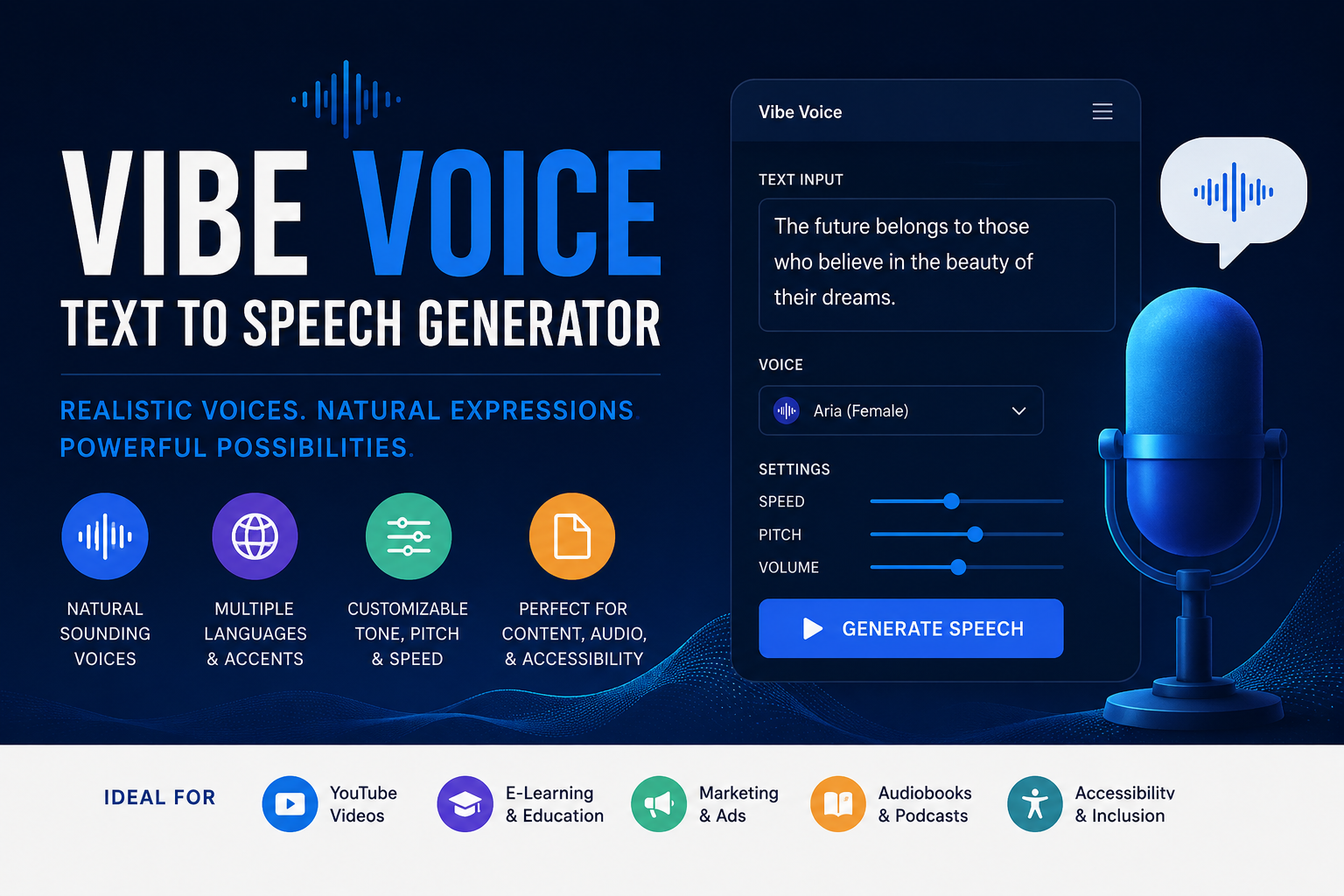
The VibeVoice text to speech generator brings a fresh approach to AI voice creation. Microsoft designed VibeVoice to produce expressive speech, long conversations, and natural speaker changes from written scripts. Instead of reading every sentence with the same flat rhythm, the system studies context, dialogue flow, and emotional cues before it creates audio.
Content creators, developers, educators, podcasters, and accessibility teams often need more than a basic robotic narrator. They need consistent voices, clear pronunciation, smooth pacing, and believable conversation. VibeVoice targets those needs through AI speech synthesis, multi-speaker audio, and long-form voice generation.
This guide explains how VibeVoice works, what it can do, where it fits, and what users should check before they choose it for a project.
What Is the VibeVoice Text to Speech Generator?
VibeVoice is a family of voice models from Microsoft. The family includes text-to-speech technology for generating audio and automatic speech recognition models for converting audio into text. The TTS side focuses on expressive narration and conversation, while the newer real-time model focuses on fast streaming speech.
The long-form VibeVoice model can create extended audio with multiple speakers. It can keep separate voice identities across a dialogue and manage turn-taking without forcing users to generate every line as a separate clip. That approach makes it useful for podcast scripts, audiobook scenes, educational conversations, fictional interviews, and training material.
Microsoft also released VibeVoice-Realtime-0.5B. This lighter model starts producing audible speech quickly and accepts streaming text input. A chatbot, live assistant, or interactive application can begin speaking before it receives the complete response.
How VibeVoice Converts Text Into Natural Speech
Traditional text-to-speech tools often process short blocks and join the results. That method can create awkward pauses, unstable voices, and inconsistent emotion. VibeVoice uses a broader context window, so it can follow the meaning and structure of a longer script.
The system combines a large language model, continuous speech tokenizers, and a diffusion-based audio component. The language model studies the text and tracks dialogue flow. The tokenizers compress speech information at a low frame rate, which helps the system handle long sequences efficiently. The diffusion component then creates detailed acoustic output.
This architecture helps VibeVoice manage tone, timing, speaker identity, and conversational rhythm. It does not guarantee perfect speech, but it gives the model more context than many short-form TTS systems receive.
Main Features of VibeVoice
Long-Form Audio Generation
The original long-form model can generate up to about 90 minutes of speech in one pass under supported conditions. This capacity reduces the need to split a large podcast or narration script into dozens of tiny sections.
Long output still requires careful script preparation. Writers should use short paragraphs, clear punctuation, and consistent speaker labels. A well-structured script gives the model better cues for pacing and turn changes.
Up to Four Speakers
VibeVoice can support up to four distinct speakers in a conversation. This feature makes the system more suitable for AI podcast generation, panel discussions, role-play lessons, dramatic scenes, and multi-character storytelling.
Each speaker needs a clear role in the script. Consistent labels help the model maintain identity throughout the conversation. Users should also test long scripts because voice drift can still occur in generative audio systems.
Expressive Speech
VibeVoice aims to create more than accurate pronunciation. It also tries to capture emphasis, emotion, timing, and conversational energy. The model can produce natural pauses and dynamic delivery when the script contains strong contextual signals.
Writers can improve results through simple language, purposeful punctuation, and clear emotional direction. Overloaded instructions may reduce consistency, so users should guide the performance without turning every line into a complex prompt.
Real-Time Streaming
VibeVoice-Realtime supports streaming text-to-speech. It can start generating speech from incoming text instead of waiting for a full document. Microsoft reports very low first-audio latency on suitable hardware, although network conditions and device performance can increase the delay.
This feature supports conversational assistants, live narration, customer service tools, interactive learning software, and spoken responses from large language models.
Multilingual Exploration
The real-time model primarily targets English, but Microsoft provides experimental voices for several additional languages. Users should test pronunciation, pacing, and accent quality before they publish multilingual output. Experimental language support can produce inconsistent results, especially with names, technical terms, or mixed-language scripts.
Best Uses for VibeVoice
The VibeVoice text to speech generator fits projects that need longer, more natural audio. Podcasters can convert a dialogue script into a multi-speaker episode. Educators can create lesson conversations, listening exercises, and narrated study material. Developers can add speech to assistants and accessibility tools.
Video creators can generate voiceovers for explainers, documentaries, product demonstrations, and social content. Authors can test audiobook scenes before they hire human performers. Businesses can create internal training audio, onboarding material, and prototype voice experiences.
VibeVoice also supports research into conversational AI, speech generation, and human-computer interaction. However, teams should review Microsoft’s usage guidance before they use the model in commercial or public systems.
How to Prepare a Script for Better Results
Start with clean text. Remove unnecessary symbols, broken formatting, code, and mathematical notation. The real-time model may handle these elements poorly, so convert them into readable words.
Use punctuation to control rhythm. Commas create short pauses, while full stops mark stronger breaks. Short paragraphs often sound clearer than long, crowded blocks.
For multi-speaker audio, place a consistent speaker name before every line. Do not switch between labels such as “Host,” “Presenter,” and a personal name for the same voice. Clear labels support speaker consistency.
Write numbers as words when pronunciation matters. Expand abbreviations that the model may misread. Add pronunciation hints only when the tool or interface supports them.
Finally, test a short section before generating the complete script. A one-minute sample can reveal voice, speed, pronunciation, and pacing problems. Fix those issues early instead of repeating a long generation job.
“`html ```Advantages of VibeVoice
VibeVoice offers strong long-form capabilities, multi-speaker support, and contextual expression. It can simplify workflows that normally require separate voice tracks, manual timing, and extensive audio editing.
The open repository also gives developers more control than a closed online generator. Technical teams can inspect the project, run supported models in their own environment, and connect the system with custom applications.
The lightweight real-time model creates another advantage. It supports responsive experiences where speech must begin quickly, such as AI assistants or live information services.
Limitations and Important Considerations
VibeVoice still has limitations. Generated speech may contain unusual pronunciation, inaccurate wording, voice drift, or unexpected sounds. Users should listen to every final recording before publication.
Microsoft removed the original long-form TTS inference code after people used it outside the project’s stated intent. The official repository currently marks that setup as disabled, while it continues to provide information about the model and access to the real-time variant. Users should avoid unofficial downloads that claim to restore removed features without clear security or licensing information.
The real-time model supports one speaker and primarily targets English. It also does not focus on music, background effects, code, formulas, or uncommon symbols. Hardware performance affects speed, and local installation requires technical knowledge.
Microsoft warns about deepfakes, impersonation, fraud, and misinformation. Never clone or imitate a person’s voice without clear permission. Disclose synthetic audio when the context requires transparency. Follow local laws, platform rules, copyright requirements, and privacy standards.
Is VibeVoice Free and Open Source?
Microsoft publishes the VibeVoice repository under an MIT license, but users must still review the status and terms of each model, weight file, demo, and implementation. An open-source code license does not remove responsibilities related to voice rights, personal data, misleading content, or commercial deployment.
The repository describes VibeVoice as a research and development project. Microsoft also recommends additional testing before real-world or commercial use. Teams should complete technical, legal, and ethical reviews before they launch a public service.
VibeVoice vs Basic Text to Speech Tools
Basic TTS generators usually offer a simple workflow: paste text, choose one voice, and download audio. That approach works well for short announcements and standard narration.
VibeVoice targets more complex scenarios. It handles longer context, follows dialogue, supports multiple speakers in its long-form design, and offers a streaming model for real-time applications. These strengths make it attractive for advanced creators and developers.
However, basic cloud tools often provide easier interfaces, built-in editing, commercial licenses, customer support, and large voice libraries. VibeVoice may suit technical users, while a hosted TTS platform may suit beginners who need a quick production workflow.
Final Verdict
The VibeVoice text to speech generator shows how quickly voice technology continues to improve. Its long-form architecture, contextual delivery, multi-speaker design, and real-time model create valuable options for podcasts, narration, education, accessibility, and conversational applications.
VibeVoice works best when users prepare clean scripts, test short samples, review every output, and follow responsible-use rules. It does not replace human judgment, professional audio editing, or legal review. However, it gives researchers and developers a powerful foundation for building more natural voice experiences.
For users who need expressive AI voice generation and can manage a technical workflow, VibeVoice deserves serious attention. For users who need instant commercial production, a hosted platform with clear licensing and support may provide a simpler choice.