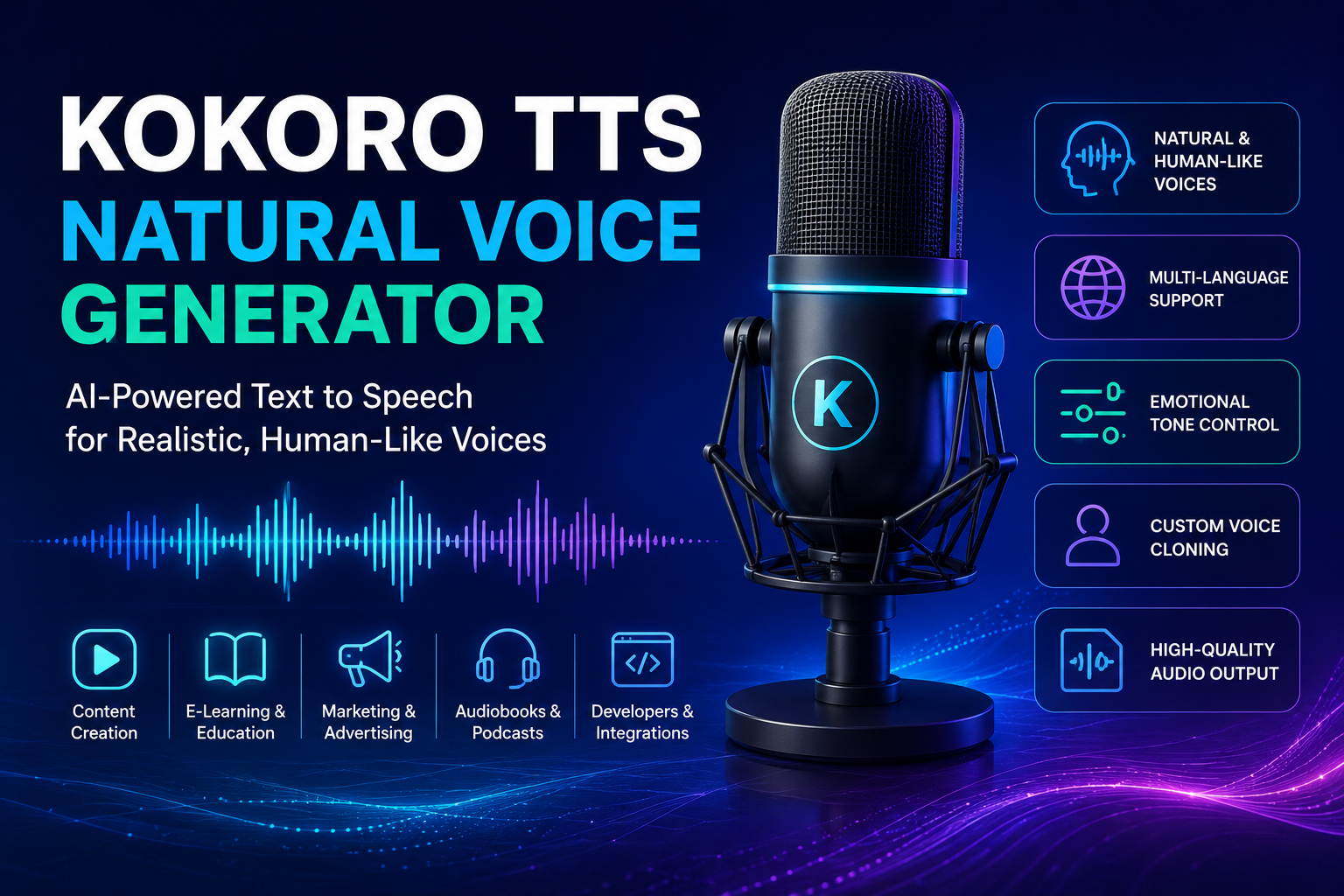
The Kokoro TTS natural voice generator helps creators, developers, educators, and businesses convert written text into clear, realistic speech. It combines a compact design with strong audio quality, so users can create voiceovers, learning materials, accessibility tools, podcasts, video narration, and speech-enabled applications without relying on heavy infrastructure.
Modern audiences expect natural pacing, accurate pronunciation, and smooth delivery. Older text-to-speech tools often produce flat rhythm, awkward pauses, and robotic pronunciation. Kokoro TTS uses neural text-to-speech technology to create a more natural listening experience while keeping processing requirements relatively low.
This guide explains Kokoro TTS, its main features, practical uses, setup process, benefits, limitations, and optimization tips.
What Is Kokoro TTS?
Kokoro TTS is an open-weight text-to-speech model that turns written content into spoken audio. The model uses 82 million parameters, which makes it smaller than many advanced speech systems. Its lightweight architecture supports fast generation and lower computing costs.
The project also provides a Python inference library. Developers can install the library, select a language and voice, enter text, and generate audio. Users can also access compatible browser interfaces, local applications, community tools, and hosted demonstrations.
Kokoro supports several voices, languages, and accents. Its voice library includes options for American English, British English, Spanish, French, Hindi, Italian, Japanese, Mandarin Chinese, and Brazilian Portuguese. Quality may vary according to the chosen voice, language, text length, pronunciation, and software interface.
How the Kokoro TTS Natural Voice Generator Works
The Kokoro AI voice generator follows several steps to transform text into speech.
First, the system analyzes letters, words, punctuation, numbers, and sentence boundaries. Next, a grapheme-to-phoneme system turns written words into pronunciation units. The model then predicts timing, rhythm, emphasis, tone, and other speech features. Finally, the decoder creates an audio waveform that users can play or save.
Punctuation strongly affects the final result. Commas create short pauses, periods close complete thoughts, and question marks shape sentence movement. Clean writing gives the model clearer instructions and improves narration quality.
Kokoro also lets users select a voice and adjust speech speed. These controls help users match the output to tutorials, stories, product videos, educational lessons, or automated responses.
Main Features of Kokoro TTS
Lightweight 82-Million-Parameter Model
Kokoro uses 82 million parameters, so it requires fewer resources than many larger speech models. Developers can use it for prototypes, local projects, cloud applications, and production workflows without building an oversized system.
Its efficient structure also helps users reduce processing time and operating costs. These benefits matter when a project generates long narration or handles frequent speech requests.
Natural Voice Generation
Kokoro focuses on natural voice synthesis instead of basic robotic reading. Strong voice options can deliver clear pronunciation, smooth pacing, and balanced sentence flow.
Users can improve the result through careful script preparation. Short sentences, logical paragraphs, correct punctuation, and familiar vocabulary usually produce cleaner audio. Difficult names, technical terms, symbols, and unusual spellings may still require manual correction.
Multiple Languages and Voices
Kokoro provides male and female voice choices across several languages and regional accents. This variety helps creators select a voice that matches their audience, content style, brand, or character.
A British English voice can support formal educational content. An American English voice can suit content for a United States audience. Other language options help creators reach multilingual viewers and build localized experiences.
Adjustable Speech Speed
Users can adjust speaking speed for different purposes. A slower pace suits language lessons, accessibility content, and step-by-step tutorials. A normal pace works well for articles and explainers. A slightly faster pace can support short updates and productivity tools.
Extreme settings may reduce clarity, so users should test a small sample before generating the final audio.
Local and Self-Hosted Deployment
Kokoro uses the Apache 2.0 license. The license gives developers broad flexibility for personal and commercial projects under its terms. A local or self-hosted setup also gives teams greater control over files, processing, privacy, and integration.
Local use requires the correct model files, Python packages, pronunciation dependencies, storage, and compatible hardware. However, the compact model makes local experimentation more practical than many larger alternatives.
Benefits for Content Creators
The AI text-to-speech generator can help creators produce narration without recording every line manually. They can turn prepared scripts into voiceovers for YouTube videos, tutorials, product demonstrations, social media clips, stories, and educational content.
This workflow can reduce production time and maintain a consistent voice across multiple videos. It also helps creators revise a single line without recording the whole script again.
Creators should review every output before publishing. Good narration needs correct pronunciation, natural pauses, suitable emotion, and consistent volume. Script editing and audio review still play an essential role.
Benefits for Developers and Businesses
Developers can connect Kokoro to applications that need speech synthesis, including reading assistants, customer-support tools, learning software, accessibility products, smart devices, virtual assistants, and automated notifications.
Businesses can use generated audio for onboarding, product guides, internal training, and multilingual communication. Kokoro’s small size also supports rapid experimentation and custom application development.
How to Use Kokoro TTS
Users can test Kokoro through a compatible online demo or install the official Python inference library. A standard workflow includes the following steps:
- Install Python and the required audio packages.
- Install the Kokoro library.
- Choose the correct language code.
- Select a compatible voice.
- Enter the narration text.
- Adjust speed when necessary.
- Generate, save, and review the audio.
Beginners should start with one short paragraph. A small sample makes voice comparison easier and reveals pronunciation problems quickly. Developers should follow the official repository instructions because requirements can change between versions.
“`html ```Tips for Better Kokoro TTS Results
Write for Listening
Spoken language works differently from formal written language. Short sentences usually sound clearer than long sentences with several clauses. Direct wording also improves rhythm.
Remove filler, repeated ideas, and complicated phrases. Divide long paragraphs into smaller sections. Each paragraph should express one clear idea.
Use Correct Punctuation
Punctuation controls the flow of realistic AI speech. Add commas for short pauses and periods for full stops. Use question marks only for genuine questions. Avoid excessive punctuation because it may create unnatural timing.
Split Long Scripts
Long blocks can cause rushed pacing or make editing difficult. Divide a long article into sections and generate each section separately. This method also lets users replace one incorrect sentence without recreating the whole file.
Compare Several Voices
Every voice handles tone, speed, and pronunciation differently. Use the same sample paragraph to compare several options. Choose the voice that delivers the best balance of clarity, warmth, pace, and expression.
Prepare Difficult Words
Names, abbreviations, technical terms, numbers, and brand names can confuse a TTS system. Expand abbreviations, simplify symbols, or use phonetic spelling when necessary. Test difficult words before generating the full script.
Popular Uses of Kokoro TTS
Kokoro supports many text-to-audio conversion tasks, including:
- YouTube and social media voiceovers
- E-learning lessons and tutorials
- Audiobook drafts and story narration
- Website and document readers
- Podcast introductions
- Game dialogue prototypes
- Virtual assistant responses
- Product demonstrations
- Automated announcements
- Multilingual content
Limitations of Kokoro TTS
Kokoro delivers strong performance for its size, but it cannot guarantee perfect output. Some voices and languages produce better results than others. Very short phrases may sound unstable, while extremely long sections may sound rushed.
The model may mispronounce rare words, unusual names, complex numbers, or symbols. Users must review generated audio before publication.
Human narrators still control emotion, humor, character, and dramatic timing more precisely. Kokoro works best when users prioritize speed, consistency, affordability, and automation.
Is Kokoro TTS Free?
The official Kokoro model uses the Apache 2.0 license. Users can apply it to personal and commercial projects under the license conditions. However, third-party websites may charge for hosting, processing, storage, premium voices, or extra tools.
Users should review the model license and any external service terms. They should also choose the official repository or a trusted implementation.
Frequently Asked Questions
Does Kokoro TTS Produce Natural Voices?
Kokoro can create clear and natural-sounding audio when users select a strong voice and prepare the text carefully. Language, sentence length, punctuation, and pronunciation all influence quality.
Can Kokoro TTS Run Locally?
Yes. Developers can install the inference library and run the model on a compatible computer. Hardware and software configuration will affect generation speed.
Does Kokoro Support Multiple Languages?
Yes. Kokoro offers voices for several languages and regional English accents, including American English, British English, Japanese, Mandarin Chinese, Spanish, French, Hindi, Italian, and Brazilian Portuguese.
Can Creators Use Kokoro for YouTube?
Yes. Creators can use generated speech for tutorials, explainers, stories, and other videos while following the model license and platform policies.
How Can Users Improve Pronunciation?
Users can shorten sentences, add punctuation, expand abbreviations, adjust spelling, and generate smaller sections. They should test difficult names and technical terms separately.
Final Thoughts
The Kokoro TTS natural voice generator combines efficient performance, multilingual voice options, flexible deployment, and realistic speech in a compact model. It gives creators a practical narration tool and gives developers a strong base for speech-enabled applications.
Users can achieve better results when they write for spoken delivery, test several voices, split long scripts, and review every audio file. Kokoro may not replace a professional voice actor in every situation, but it can simplify many everyday text-to-speech tasks.
For creators, developers, educators, and businesses that need a lightweight and customizable speech solution, Kokoro TTS offers a valuable starting point.