
Unlimited AI Image Generation
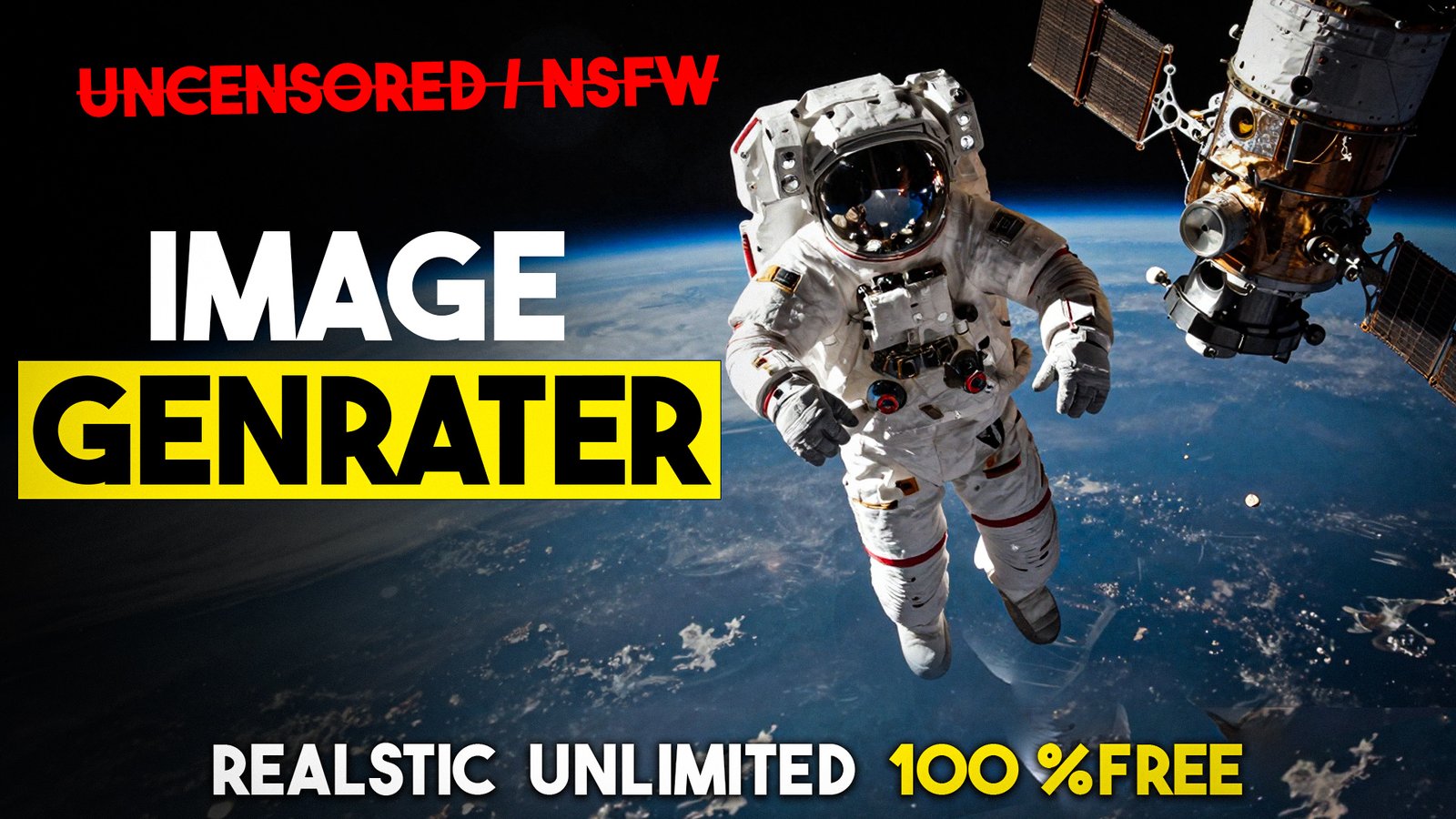
The demand for AI image generation continues to surge as creators, designers, and enthusiasts seek accessible tools for visual content creation. Z Image Turbo emerges as a powerful solution that leverages Google Colab’s computational resources to deliver unlimited image generation capabilities without subscription fees or usage limits.
This comprehensive guide explores how users can harness free cloud computing through Google Colab to generate high-quality images using advanced AI models. The platform removes traditional barriers that restrict creative output, offering an unrestricted environment for digital art creation.
Understanding Z Image Turbo Technology
Z Image Turbo represents a sophisticated image generation framework built on cutting-edge machine learning algorithms. The system processes text descriptions and transforms them into visual representations through neural network architectures specifically designed for creative output.
The technology utilizes diffusion models that gradually refine random noise into coherent images. This approach delivers exceptional quality while maintaining processing efficiency. Users access these capabilities through an intuitive interface that simplifies complex AI workflows.
Deep learning techniques power the core functionality, enabling the system to understand nuanced prompts and generate corresponding visuals. The framework supports various artistic styles, from photorealistic renders to abstract compositions, providing versatility for different creative projects.
Google Colab: Your Free Computing Platform
Google Colab provides a cloud-based environment that eliminates hardware requirements for AI image generation. The platform offers free access to GPU acceleration, which dramatically reduces processing times compared to standard CPU-based computing.
Users receive computational resources without installation requirements or local storage concerns. The browser-based interface allows instant access from any device with internet connectivity. This accessibility democratizes AI technology, making advanced tools available regardless of technical infrastructure.
The platform supports Python programming and integrates seamlessly with popular machine learning libraries. This compatibility ensures smooth operation of Z Image Turbo and similar AI frameworks. Users benefit from regular updates and maintenance handled by Google's infrastructure team.
Setting Up Your Image Generation Environment
The initial setup process requires minimal technical knowledge. Users begin by accessing Google Colab through their web browser and creating a new notebook. The interface presents a clean workspace where code cells execute commands for AI model deployment.
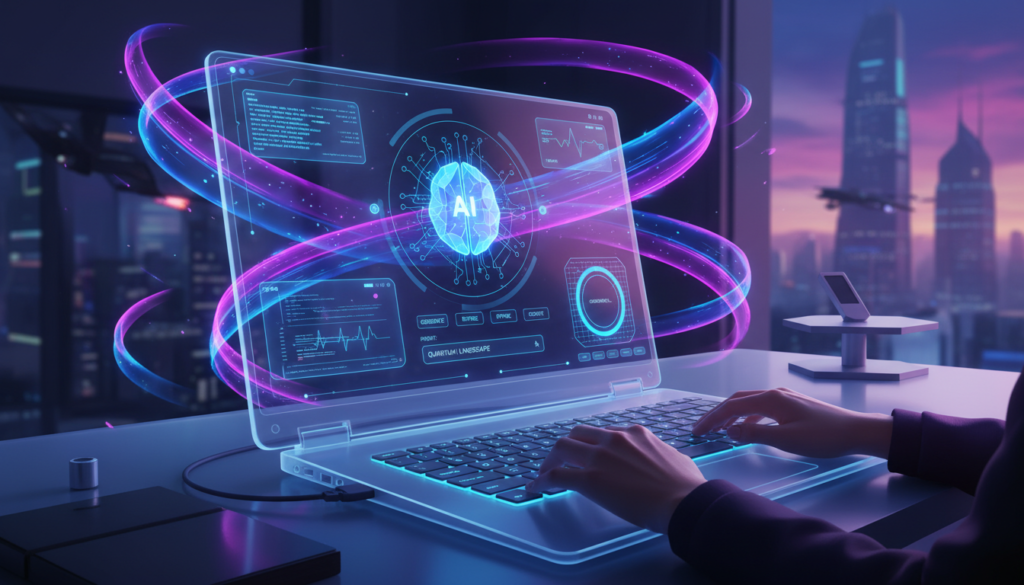
Configuration involves connecting to runtime resources that provide GPU computing power. This connection activates within seconds, preparing the environment for image generation tasks. The system automatically allocates resources based on availability and user requirements.
Installing Z Image Turbo requires running specific commands within the notebook environment. These commands download necessary dependencies and configure the AI model for optimal performance. The process completes automatically, requiring minimal user intervention beyond initiating the installation sequence.
Navigating the Z Image Turbo Interface
The user interface prioritizes simplicity while maintaining comprehensive functionality. Text input fields accept detailed descriptions that guide the image generation process. Users specify desired elements, styles, compositions, and atmospheric qualities through natural language prompts.
Parameter controls allow fine-tuning of various aspects including resolution, iteration count, and stylistic intensity. These settings influence output quality and processing duration. Beginners can rely on default configurations while experienced users customize parameters for specific creative visions.
The interface displays real-time progress indicators during generation cycles. Users monitor processing stages and estimate completion times. This transparency enhances the user experience by providing clear feedback throughout the AI workflow.
Crafting Effective Image Prompts
Prompt engineering significantly impacts output quality and relevance. Effective descriptions combine specific visual elements with stylistic directions and compositional guidance. The AI system interprets these instructions through sophisticated natural language processing capabilities.
Detailed prompts yield more accurate results compared to vague descriptions. Users specify subjects, settings, lighting conditions, color palettes, and artistic influences to guide generation. The system responds to nuanced language, understanding modifiers that refine visual characteristics.
Negative prompts exclude unwanted elements from generated images. This feature prevents common artifacts or undesired features from appearing in outputs. Strategic use of negative prompting enhances control over final results and reduces generation iterations needed to achieve satisfactory outcomes.
Generating Your First AI Images
The generation process begins when users submit their crafted prompts to the system. The AI engine processes text input through multiple computational stages, gradually constructing visual representations. Initial stages establish composition and major elements while subsequent iterations refine details and textures.
Processing duration varies based on complexity, resolution settings, and current resource availability. GPU acceleration significantly reduces wait times, typically completing high-quality images within minutes. Users can generate multiple variations simultaneously by adjusting batch size parameters.
Output preview appears within the notebook interface upon completion. The system displays generated images alongside original prompts for reference. Users can download results directly or continue iterating with modified parameters to explore alternative interpretations.
Advanced Generation Techniques
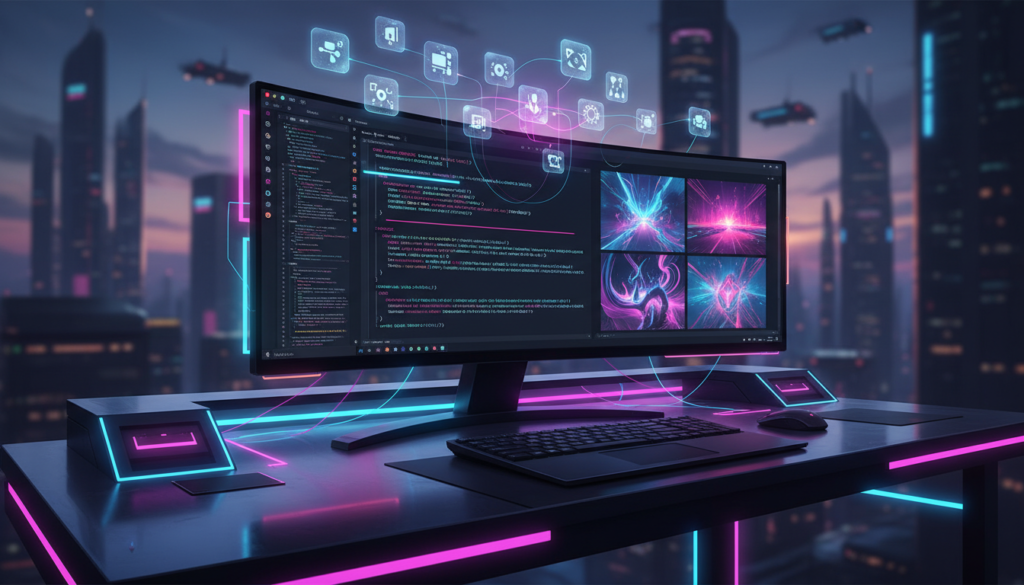
Experienced users leverage advanced features to achieve specific creative goals. Seed values enable reproducible results by fixing the random initialization that begins each generation cycle. This consistency proves valuable when refining particular compositions through parameter adjustments.
Image-to-image transformation converts existing visuals into new interpretations guided by text prompts. This technique maintains compositional structure while reimagining stylistic elements. Users upload reference images that inform the AI generation process alongside textual descriptions.
Inpainting capabilities allow selective modifications to specific image regions. Users mask areas requiring changes while preserving surrounding content. This precision enables targeted refinements without regenerating entire compositions.
Optimizing Image Quality
Quality optimization involves balancing multiple factors that influence visual fidelity. Resolution settings determine output dimensions and detail levels. Higher resolutions produce sharper images but require extended processing times and increased computational resources.
Iteration counts affect refinement depth during generation. Additional iterations generally improve coherence and detail accuracy. Users experiment with different counts to identify optimal balances between quality and efficiency for their specific requirements.
Guidance scale parameters control how closely outputs adhere to prompt descriptions. Higher values enforce stricter interpretation while lower settings allow more creative freedom. Adjusting this balance helps achieve desired levels of prompt fidelity versus artistic variation.
Managing Computational Resources
Resource management ensures sustainable access to free GPU computing. Google Colab imposes usage limits to distribute resources fairly among users. Understanding these constraints helps maximize productive generation time.
Session timeouts occur after periods of inactivity, disconnecting runtime resources. Users maintain active sessions through periodic interaction or by executing monitoring commands. Planning generation batches efficiently utilizes available session durations.
RAM allocation occasionally reaches capacity during intensive operations. Clearing unused variables and restarting runtimes periodically prevents memory-related interruptions. These maintenance practices ensure smooth operation throughout extended creative sessions.
Exploring Creative Applications
Digital artists employ unlimited generation capabilities to develop concept art and visual references. The rapid iteration possible through Z Image Turbo accelerates creative exploration, allowing artists to visualize numerous ideas quickly.
Content creators generate custom imagery for blogs, social media, presentations, and marketing materials. The absence of usage restrictions removes barriers to producing diverse visual assets for various projects and campaigns.
Designers prototype visual concepts before committing to detailed manual creation. The AI system serves as a brainstorming tool that generates multiple interpretations of design briefs, inspiring further development and refinement.
Troubleshooting Common Issues
Connection problems occasionally interrupt runtime access. Users resolve these issues by refreshing browser sessions or selecting different GPU types through runtime settings. Persistent connection failures may require waiting for resource availability to improve.
Generation artifacts such as distorted features or inconsistent elements emerge from various causes. Refining prompts, adjusting parameters, or changing seed values typically resolves these visual issues. Systematic experimentation identifies effective solutions for specific problems.
Performance slowdowns occur during peak usage periods when computational demand exceeds available resources. Scheduling generation sessions during off-peak hours often improves processing speeds and reduces wait times.
Ethical Considerations for AI Art
Responsible usage involves respecting intellectual property and avoiding generation of harmful content. Users should create original works rather than attempting to replicate copyrighted material or specific artist styles without authorization.
Transparency about AI involvement in creative processes maintains honest communication with audiences. Disclosing the use of AI generation tools acknowledges technological assistance while respecting viewer expectations about content origins.
Bias awareness recognizes that AI models reflect training data characteristics. Users should critically evaluate outputs and avoid perpetuating stereotypes or problematic representations through their creative choices and prompt selections.
Unlimited Creative Possibilities
Z Image Turbo through Google Colab delivers unprecedented access to advanced AI image generation without financial barriers or usage restrictions. This combination empowers creators at all skill levels to explore visual concepts, produce professional-quality imagery, and expand creative boundaries.
The platform continues evolving as developers enhance AI models and expand capabilities. Users who master fundamental techniques position themselves to leverage future improvements and emerging features. The free unlimited access model ensures that creative exploration remains unrestricted by economic considerations.
Embracing these tools opens new pathways for artistic expression and visual communication. The technology serves not as a replacement for human creativity but as a powerful instrument that amplifies imaginative possibilities and accelerates the journey from concept to finished visual work.