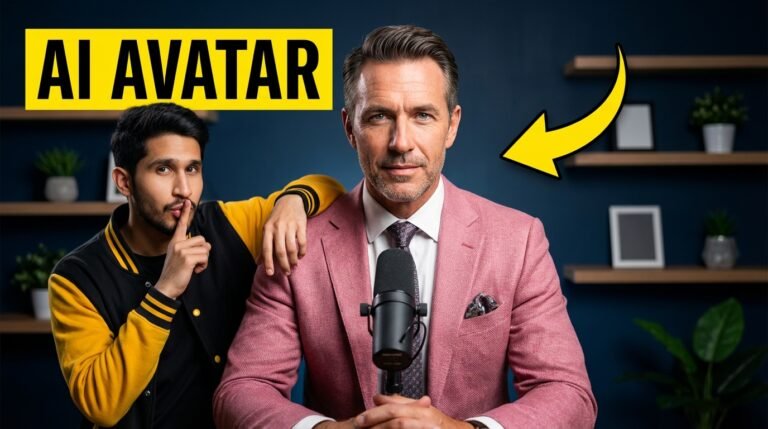
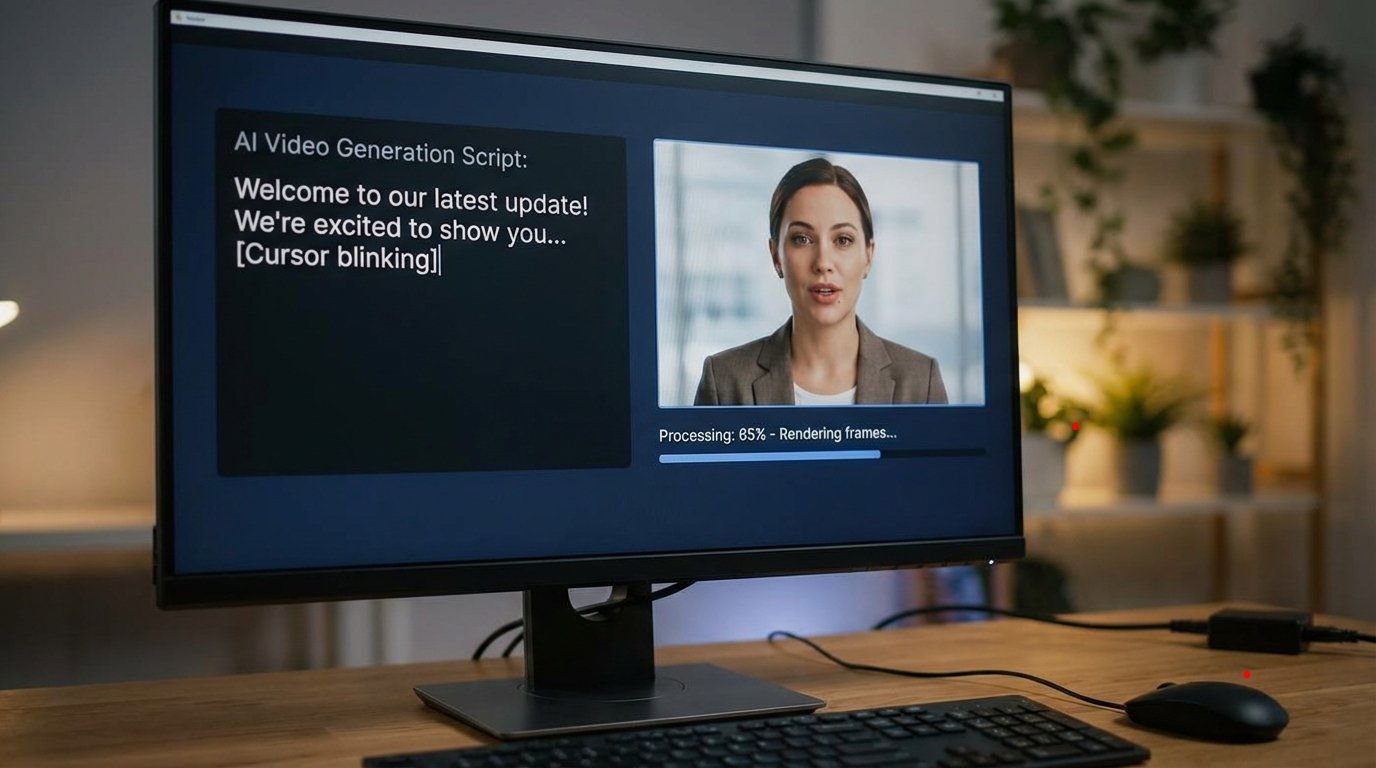
Google has recently introduced a new update that allows users to create AI avatar videos directly using its tools. This feature, shared earlier through a WhatsApp channel and now officially visible, enables creators to generate automated videos using ready-made AI avatars. These avatars can be used for product videos, influencer content, or general video creation without advanced technical skills.
This article explains how the AI avatar feature works, how to access it, and what limitations currently exist—based strictly on the shared video transcript.
Google’s New AI Avatar Update Overview
Google has added AI avatars as part of its recent updates, making automated video creation more accessible. With this feature, users can select from pre-built avatars and generate videos based on a written script.
These AI avatars can be useful for:
- Product promotion videos
- Influencer-style content
- Informational or scripted videos
Users can choose an avatar, paste their script, and generate a video automatically.
Account Requirements to Access AI Avatars
To use this AI avatar feature, specific account requirements must be met:
- A Google account is mandatory
- Access is available only with a Google Pro account
- The feature is not available on Ultra accounts
The avatar functionality is currently limited to Pro accounts. Users without Pro access will not see the avatar option.
How to Activate Google Pro for Free
According to the transcript, Google Pro can be activated with a one-month free option. The creator has already uploaded a video explaining how to activate this free Pro access.
Once the Pro account is active, the AI avatar feature becomes available inside Google’s tools.
How to Access the AI Avatar Tool
To start using AI avatars:
- Open a new browser tab
- Search for Google Vids
- Open the first website that appears
- Click on the “Get Started” button
After this, the main interface loads, which includes all recent Google updates integrated into one place.
Available Features Inside Google Vids
Inside Google Vids, users can find:
- Veo 3.1 video generation
- AI Avatar video creation
- Additional tools (not required for avatar creation)
For AI avatar videos, the main focus is selecting the avatar and generating videos through scripts.
AI Avatar Selection and Customization
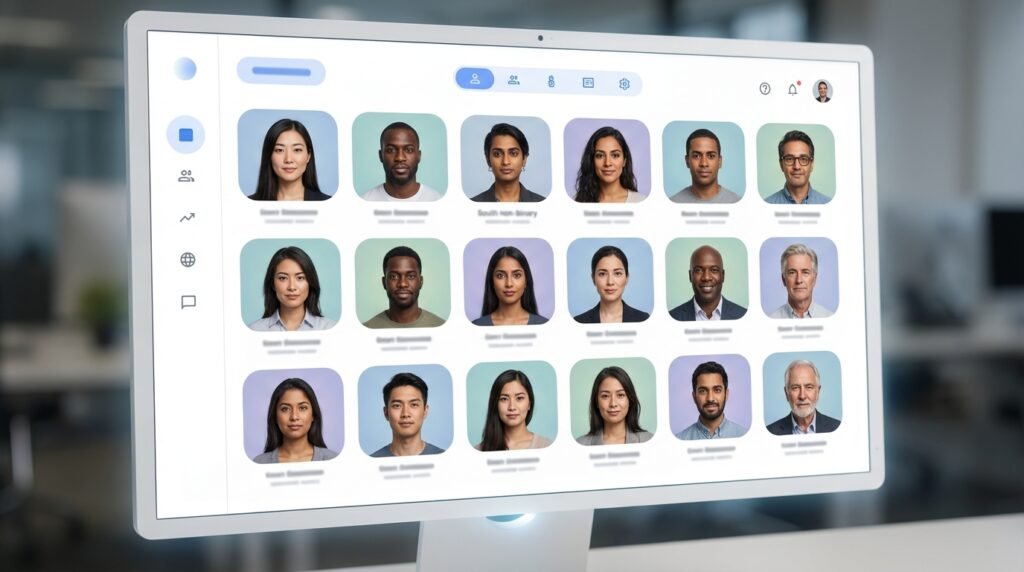
Currently, Google provides 16 built-in AI avatars across different categories. Users can:
- Select any available avatar
- Use the avatar in unlimited videos
- Change avatars for different videos
At this stage:
- Custom avatar creation is not available
- Only Google-provided avatars can be used
More avatars may be added in future updates.
Language and Voice Limitations
The AI avatar system currently supports:
- English language only
Users cannot generate avatar videos in other languages yet. The avatar listens to the script and speaks using its predefined accent and voice style.
Some preview playback issues may occur due to internet speed or system performance.
How to Create an AI Avatar Video
The basic workflow includes:
- Select an AI avatar
- Paste your script into the input box
- Click the Preview button
- Wait for the avatar to process
- Click Generate to finalize the video
The system may take some time to generate the complete video depending on processing.
Current Limitations and Early-Stage Issues
Since this feature is still not officially released:
- Minor glitches may appear
- Some outputs may not be perfectly smooth
- Performance may improve in future updates
Despite this, the tool can still be used for starting content creation, especially if no alternative tools are available.
Use Cases for AI Avatar Videos
Even with early limitations, AI avatars can help:
- Make videos more engaging
- Automate scripted content
- Create simple presentation-style videos
This can be useful for beginners or creators experimenting with AI-based video formats.
Key Takeaways
- Google has introduced AI avatars within Google Vids
- Access is limited to Google Pro accounts
- 16 pre-built avatars are currently available
- Only English language support is provided
- Custom avatar creation is not yet available
- The feature is still in an early stage with minor glitches
FAQs
Is the AI avatar feature available for free?
The feature is accessible through a Google Pro account, which can be activated using a free one-month option.
Can I create my own custom AI avatar?
No, custom avatar creation is not available at the moment. Only Google-provided avatars can be used.
How many AI avatars are currently available?
Google currently provides 16 built-in AI avatars.
Does the AI avatar support multiple languages?
No, at present the avatars only support English language scripts.
Is the AI avatar feature fully released?
No, it has not been officially released yet, and some glitches may occur during use.
About the Author