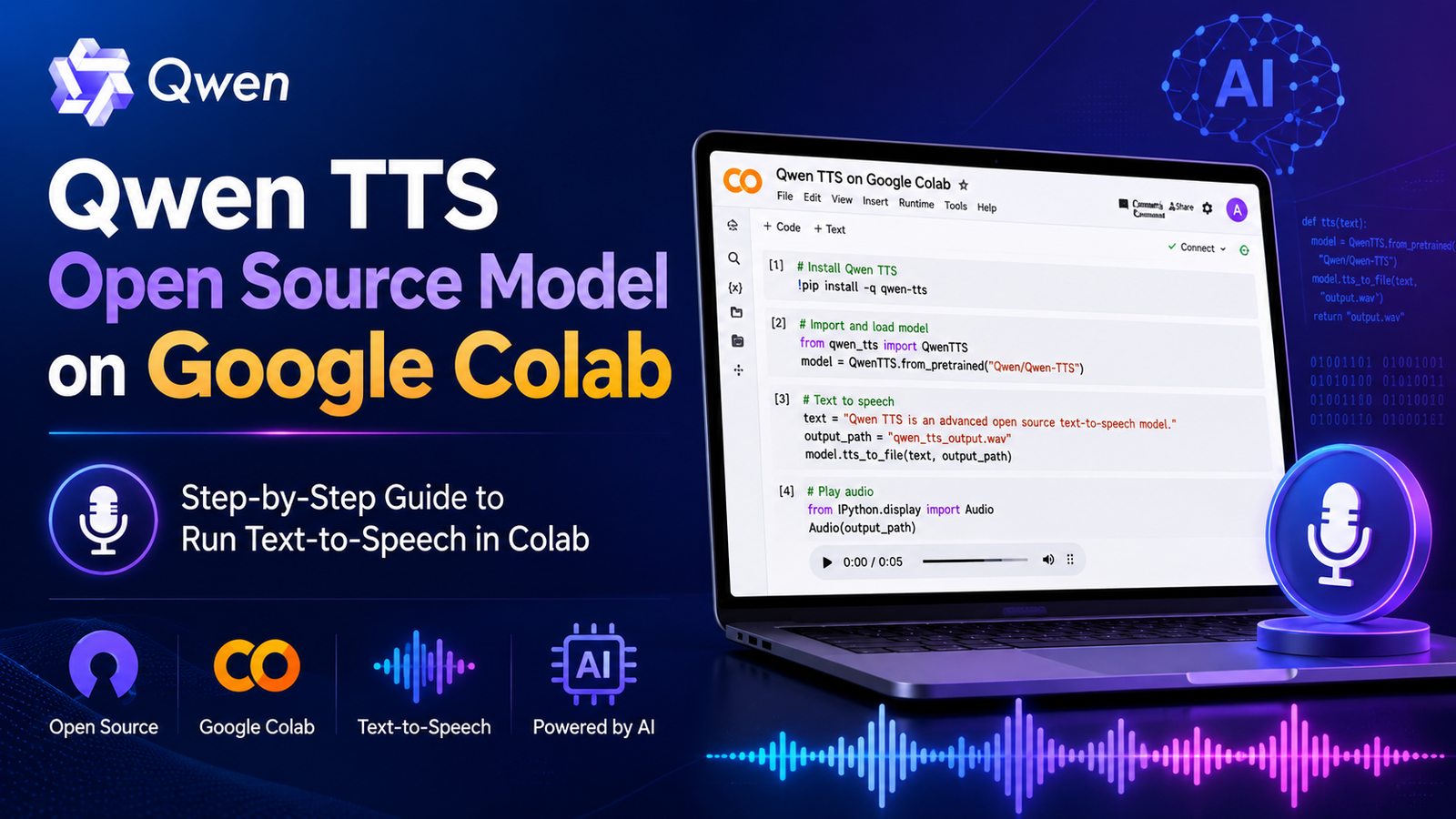
The Qwen TTS Open Source Model on Google Colab gives developers, creators, researchers, and students a simple way to generate natural speech without buying an expensive computer. The latest open-source family, Qwen3-TTS, combines multilingual text-to-speech, expressive voice control, custom voice creation, and rapid voice cloning.
Google Colab runs Python notebooks through a web browser. Users can install the Qwen TTS package, load a model from Hugging Face, enter a script, generate speech, and download the result as a WAV file. This workflow suits video narration, educational content, accessibility tools, virtual assistants, game characters, and speech research.
This guide explains the available models, required setup, working code, quality tips, common errors, and responsible use of Qwen TTS.
What Is Qwen TTS?
Qwen TTS refers to the speech generation models within the Qwen ecosystem. The Qwen team developed Qwen3-TTS as a flexible text-to-speech model for natural, expressive, and multilingual audio production.
The released Qwen3-TTS models support Chinese, English, Japanese, Korean, German, French, Russian, Portuguese, Spanish, and Italian. They also understand written instructions that control speaking speed, emotion, vocal tone, rhythm, pitch, and delivery style.
This instruction-based system makes Qwen3-TTS more useful than a standard text reader. A user can request a calm educational voice, an energetic advertising voice, a serious news delivery, or a warm conversational tone.
Developers can use multilingual speech synthesis for:
- Video and podcast narration
- Virtual assistants and chatbots
- Language-learning applications
- Audiobooks and accessibility tools
- Game dialogue and character voices
- Automated customer-support prototypes
- Research into modern speech technology
Why Run Qwen TTS on Google Colab?
A local Qwen TTS setup may require compatible hardware, storage space, Python configuration, and dependency management. Google Colab places the code, runtime, outputs, and optional GPU access inside one online notebook.
The Qwen TTS Open Source Model on Google Colab offers several important benefits:
- Users can test the model without a local graphics card.
- Colab can download model files from Hugging Face.
- A notebook keeps code and output in one location.
- Users can play generated speech inside the browser.
- Google Drive can store completed audio files.
- Colab reduces the cost of early testing and prototyping.
Google applies dynamic limits to Colab runtimes. GPU type, memory, availability, and session length can change. Always download important output files or save them to Google Drive.
Main Qwen3-TTS Model Options
The Qwen3-TTS series includes smaller 0.6B models and larger 1.7B models. The 0.6B variants usually suit limited Colab hardware more effectively, while the 1.7B variants demand more memory.
Qwen3-TTS CustomVoice
The CustomVoice model uses built-in speakers and accepts written style instructions. Users select a speaker, choose a language, enter text, and describe the desired vocal performance.
This model gives beginners the easiest starting point because it does not require a reference recording. It works well for tutorials, advertisements, explainers, and general narration.
Qwen3-TTS VoiceDesign
The voice design model creates a new voice from a written description. A prompt can describe the speaker’s age range, energy, pitch, pace, personality, accent style, and emotional character.
Voice design helps creators develop original fictional voices without copying a real person. It suits games, animation, storytelling, and branded characters.
Qwen3-TTS Base
The Base model supports voice cloning from a short reference recording. Users provide the reference audio, its exact transcript, the target script, and the required language.
The model studies the reference voice and generates new speech with similar vocal characteristics. Users must obtain clear permission before cloning any real person’s voice.
How to Run Qwen TTS Open Source Model on Google Colab
Step 1: Create a Google Colab Notebook
Open Google Colab and create a new notebook. Select Runtime, click Change runtime type, and choose a GPU accelerator when Colab offers one.
Run the following command to check the GPU:
!nvidia-smiColab will display the GPU information when the runtime has CUDA access. Reconnect the notebook or change the runtime type when the command fails.
Step 2: Install Qwen TTS
Install the official Qwen TTS package and the SoundFile library:
!pip install -U qwen-tts soundfilePip will install the required Python dependencies. Restart the runtime when Colab requests a restart.
Step 3: Load a Colab-Friendly Model
Start with the 0.6B CustomVoice model because it requires fewer resources than the larger version.
import torch
import soundfile as sf
from qwen_tts import Qwen3TTSModel

model = Qwen3TTSModel.from_pretrained(
    "Qwen/Qwen3-TTS-12Hz-0.6B-CustomVoice",
    device_map="cuda:0",
    dtype=torch.float16
)
The first run will download the Hugging Face model files. Keep the runtime connected until the download finishes.
Step 4: Generate Speech
Use the following code to create an English audio file:
text = """
Qwen TTS makes open-source speech generation easier
to test inside a Google Colab notebook.
"""

wavs, sample_rate = model.generate_custom_voice(
    text=text,
    language="English",
    speaker="Ryan",
    instruct="Speak clearly in a warm and confident tutorial style."
)

sf.write("qwen_tts_output.wav", wavs[0], sample_rate)
The text value contains the script. The language value tells the model which language to speak. The speaker value selects a built-in voice. The instruct value controls the voice style.
Step 5: Play the Generated Audio
Colab can play the result directly inside the notebook:
“`html ```from IPython.display import Audio, display
display(Audio("qwen_tts_output.wav"))Step 6: Download the WAV File
Use the following code to download the completed audio:
from google.colab import files

files.download("qwen_tts_output.wav")
This step saves the AI-generated speech to the user’s device. Users can also mount Google Drive and save several outputs inside one project folder.
How to Improve Qwen TTS Voice Quality
Good text preparation improves audio generation quality. Add commas and full stops where the speaker should pause. Divide long scripts into short paragraphs. Spell difficult abbreviations in spoken form when the model pronounces them incorrectly.
Use clear voice instructions such as:
- Speak slowly in a calm educational tone.
- Use a confident and energetic commercial style.
- Read the text like a serious news presenter.
- Sound warm, friendly, and conversational.
- Add excitement without shouting.
- Use a soft documentary narration style.
Avoid conflicting instructions. A prompt should not request whispering, shouting, slow pacing, and extreme excitement at the same time.
For long narration, divide the script into smaller sections. Generate each section separately, review pronunciation, and combine the audio afterward. This method also protects completed work when Colab ends a session.
Common Qwen TTS Google Colab Errors
CUDA Out of Memory
A large model or long script can use all available GPU memory. Switch to the 0.6B model, shorten the input text, remove unused variables, and restart the runtime.
The following command can release unused CUDA memory:
import torch
torch.cuda.empty_cache()
Package Dependency Conflict
Colab regularly updates its default Python libraries. These updates can create dependency conflicts. Use a clean notebook, restart the runtime after installation, and follow the package versions from the official Qwen3-TTS repository.
Slow Model Download
The model weights require a large download. Keep the notebook connected and avoid unnecessary runtime resets. A slow internet connection or busy hosting service can increase the download time.
Unnatural Pronunciation
Mixed languages, symbols, weak punctuation, and difficult names can reduce quality. Clean the script, choose the correct language, simplify the style instruction, and test another speaker.
Colab Runtime Disconnect
Colab uses temporary runtimes and dynamic resource limits. Save each completed WAV file immediately. Google Drive provides a safer location for longer projects.
Best Uses for Qwen TTS
Content creators can use open-source TTS for draft narration, tutorials, product explainers, and podcast experiments. Teachers can create listening exercises and pronunciation examples. Developers can add a synthetic voice to assistants, applications, and interactive tools.
Game developers can prototype character dialogue. Accessibility teams can test spoken interfaces. Researchers can study natural speech synthesis, multilingual generation, speech tokenization, and controllable voices.
Businesses should review the project license, privacy rules, hosting costs, and security requirements before launching a commercial service. The official Qwen3-TTS repository uses the Apache 2.0 license.
Responsible Voice Cloning
Voice cloning can support dubbing, accessibility, storytelling, and authorized content production. However, it can also enable fraud and impersonation.
Always obtain clear consent from the speaker. Protect reference recordings and remove unnecessary copies. Disclose synthetic audio when listeners could mistake it for a real recording.
Never use Qwen TTS to create fake endorsements, misleading news, financial impersonation, fabricated evidence, harassment, or unauthorized celebrity voices.
Conclusion
The Qwen TTS Open Source Model on Google Colab provides an accessible route into modern speech generation. Qwen3-TTS offers built-in voices, instruction-based delivery, voice design, multilingual output, and short-reference voice cloning.
Google Colab provides a convenient Python notebook and optional GPU access for users who lack powerful local hardware. Beginners should start with the 0.6B CustomVoice model, create a short test, review the pronunciation, and save the WAV file.
After the basic setup works, users can explore longer narration, batch generation, custom voice styles, and consent-based voice cloning. Qwen3-TTS gives developers and creators a flexible foundation for modern text-to-speech applications.
Frequently Asked Questions
Is Qwen TTS open source?
Yes. The Qwen team publishes Qwen3-TTS code and model resources through its official GitHub and Hugging Face pages under the Apache 2.0 license.
Can Qwen TTS run on free Google Colab?
A smaller Qwen3-TTS model can run in a compatible Colab session. However, Google does not guarantee a specific GPU, fixed memory, or unlimited usage.
Which model should beginners choose?
Beginners should start with Qwen/Qwen3-TTS-12Hz-0.6B-CustomVoice. It provides built-in voices and requires fewer resources than the 1.7B models.
Does Qwen TTS support voice cloning?
Yes. The Base model variants support short-reference voice cloning. Users must obtain permission before cloning a real voice.
Which languages does Qwen3-TTS support?
The released Qwen3-TTS models support Chinese, English, Japanese, Korean, German, French, Russian, Portuguese, Spanish, and Italian.